I’m a keyboard + mouse player, and my personal preference has meant that the gamepad controls in my games haven’t usually got the love they should. But I want Eldritch 2 to be great on the Steam Deck, so I’m making gamepad controls a priority this time around.
Today I implemented bullet magnetism (sometimes called “magic bullet” or “auto aim”), which makes bullets go toward a target if the player aims near the target even if their reticle isn’t directly over it. I had previously added aim magnetism (sometimes called “friction” or “sticky targeting”), which slows the player’s turn speed while the reticle is near or over a target. And I’ve got a feature which I’m not sure there’s a common name for, but I remember from BioShock: a moving target can pull the player’s camera to follow it, if there is no stick input.
These aim assist features are optional and can be turned off; and they are only engaged when using a gamepad to play. But I’ve been wondering if they might be useful as an accessibility feature for keyboard + mouse players too. If you’re a keyboard + mouse player who uses aim assist, let me know!
I spent most of the rest of today on some UI polish, mainly adding highlights behind selected widgets. Historically, I’d always used a pulsing color to highlight the selected option, but it’s a subtle effect and could be an accessibility concern, especially on smaller screens. This simple change helps a lot.
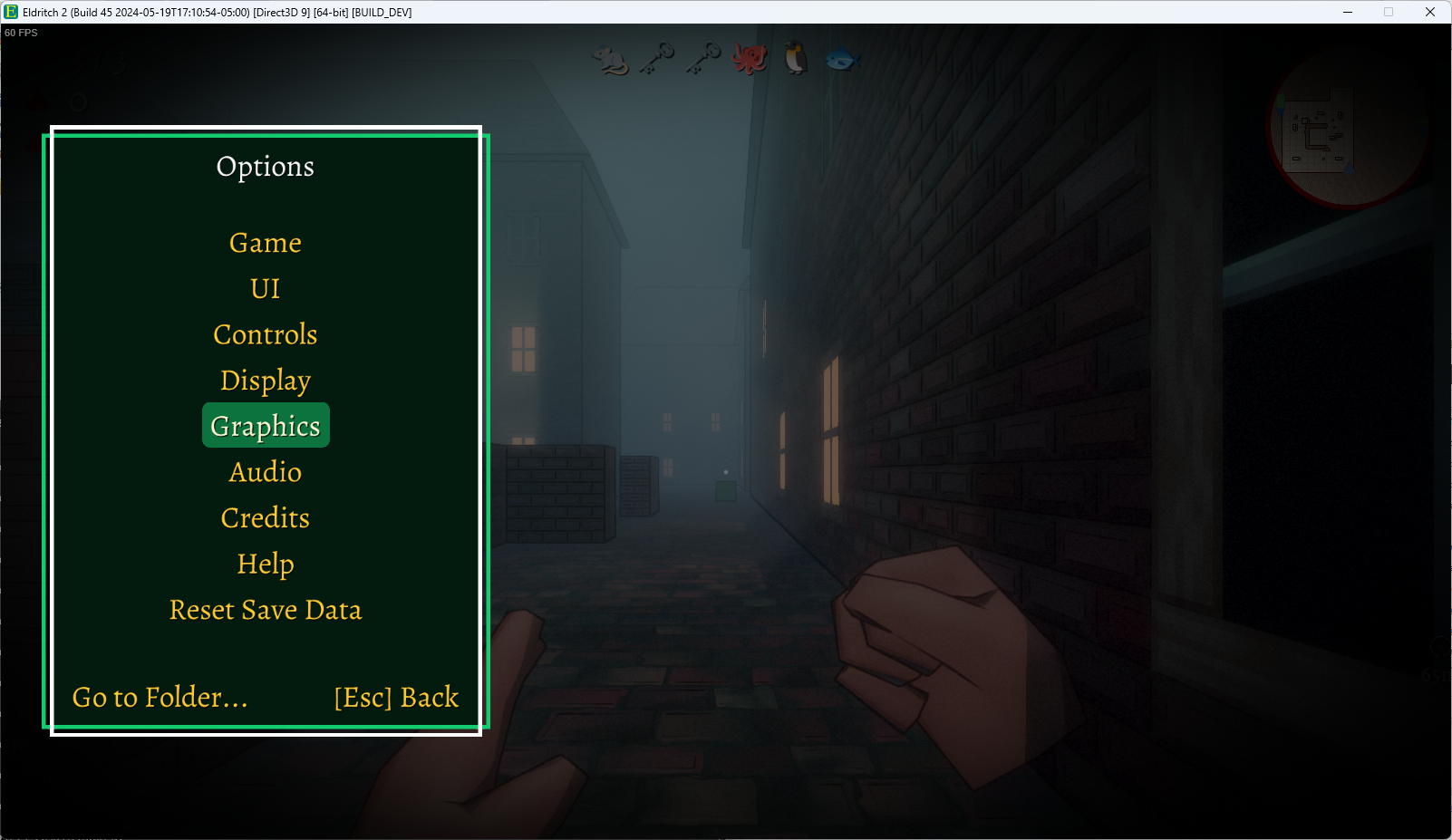
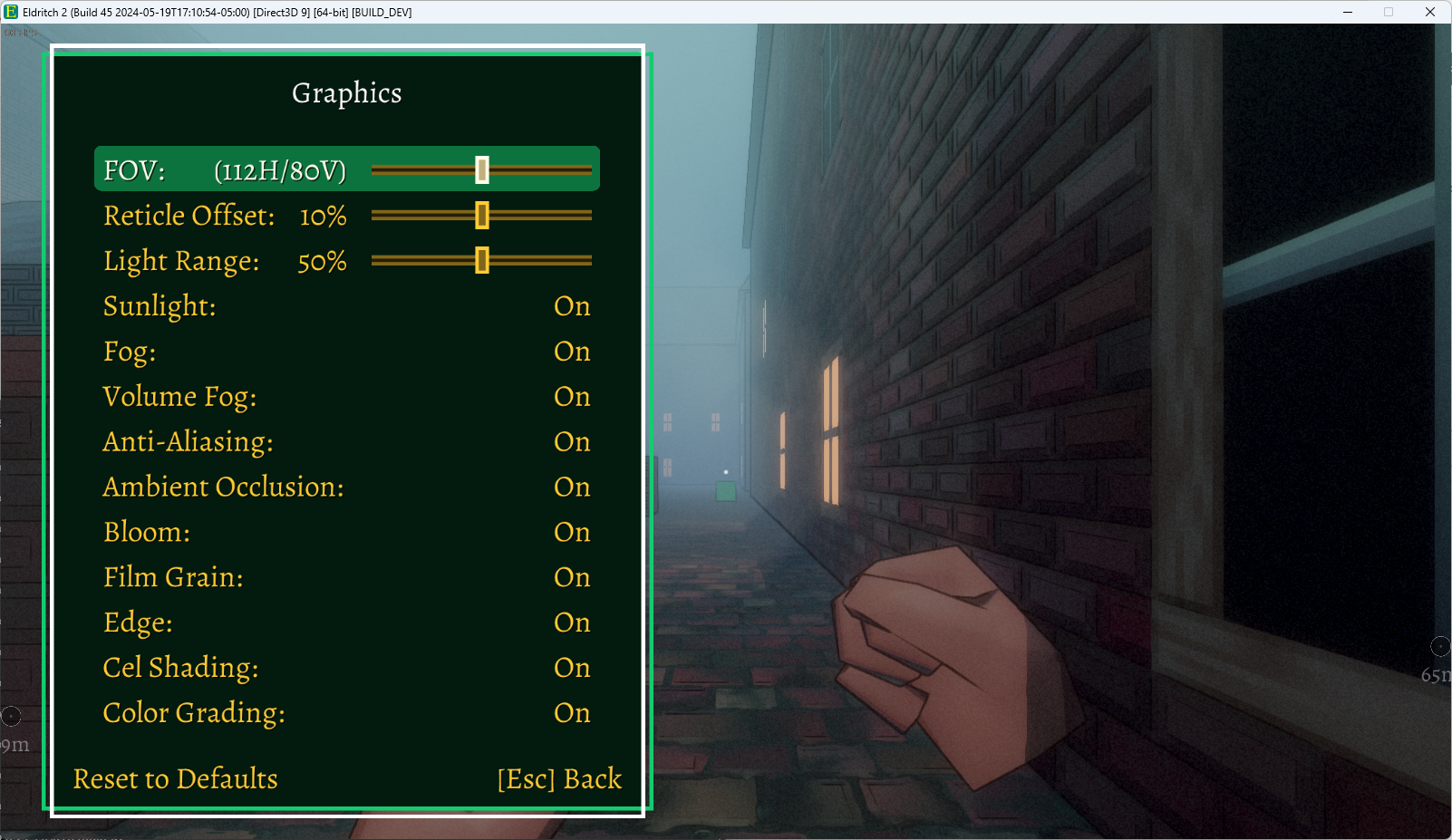

Like my menu frames, the highlight image is a 9-sliced texture, so I gave it some nice rounded corners. That’s polish!